Logo digitizing for embroidery is the step that turns your logo from a picture into instructions an embroidery machine can follow. It is also the step that decides whether your embroidered polo shirts, caps and uniforms look sharp or look blurry. This guide explains what digitizing is, which files to send, how to prepare your logo, and what to expect, so that your first embroidery order goes smoothly.
If you want us to handle it, send us your logo and we will tell you what is possible. Our embroidery services cover polo shirts, caps, jackets, aprons, school uniforms and more.
Good logo digitizing for embroidery is what separates a crisp, professional logo from a puffy, distorted one. Once your logo is digitised properly, every later order uses the same stitch file.
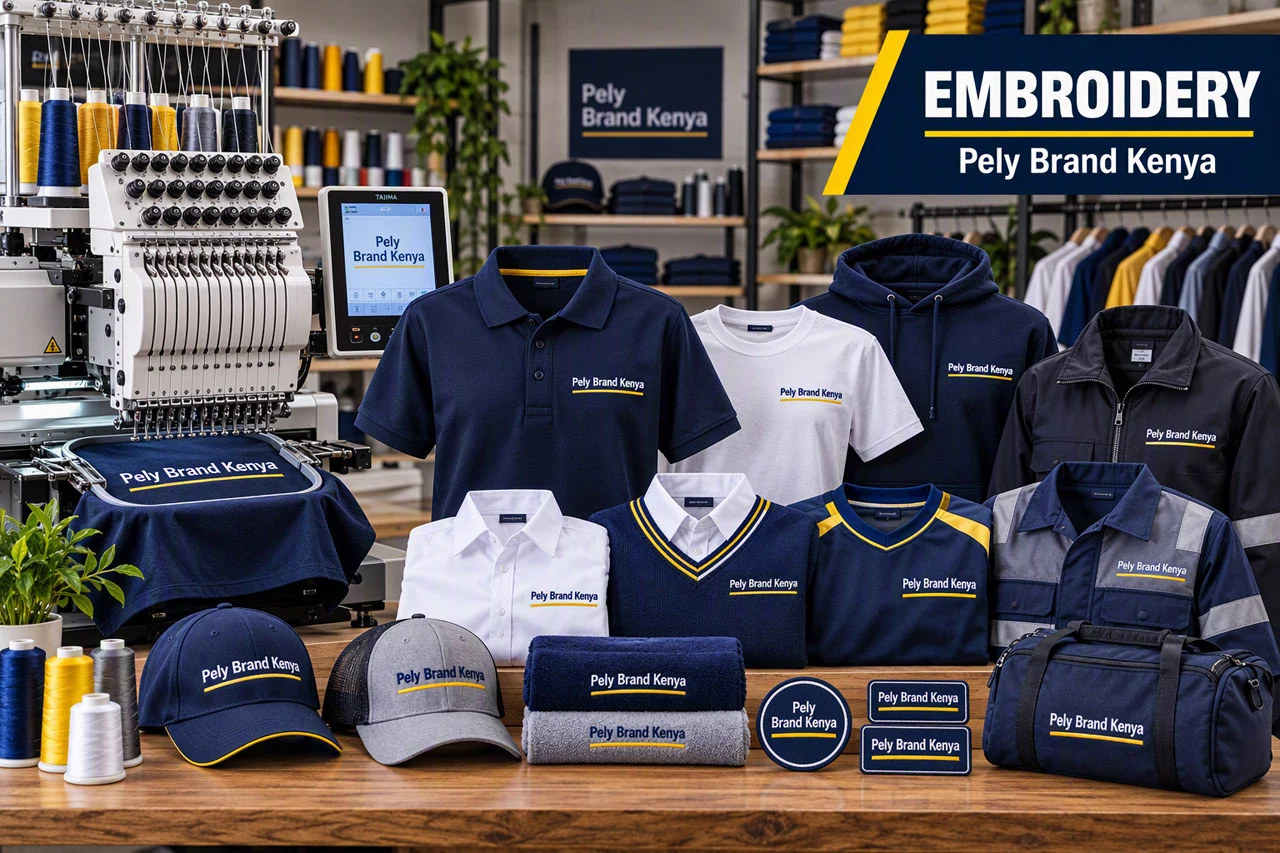
What is logo digitizing?
An embroidery machine does not understand a picture. It understands a list of instructions: where to move, when to stitch, which thread to use and when to change colour. Digitizing creates that list. A digitiser uses specialist software to trace your logo and assign a stitch type, direction, density and order to every part of it. The result is a stitch file, usually in a format such as DST or PES, which the machine reads.
Digitizing is craftsmanship rather than a one-click conversion. Automatic conversion tools often produce messy results, because they do not know how thread behaves on fabric. A good digitiser decides, for example, that a thin line should be a running stitch, a bold letter should be a satin stitch and a large area should be a fill stitch.
Which file should you send?
| File type | What it is | Good for embroidery? |
|---|---|---|
| AI, EPS, SVG, PDF (vector) | Shapes made of mathematical paths; scale to any size without losing quality | Best. Gives the digitiser clean edges to follow |
| PNG | Pixel image, can have a transparent background | Good if large and sharp (high resolution) |
| JPG | Pixel image with compression | Acceptable if large and clear; compression can blur edges |
| Screenshot, photo of a logo, WhatsApp-compressed image | Low-resolution pixel image | Poor. Send the original file instead |
| DST, PES, EXP, JEF | Machine stitch files | Only needed if a digitiser already made one for your logo |
You do not need to convert your logo to a stitch format yourself. Send the best original you have, and if all you have is a WhatsApp image, send it anyway and say so. We will advise whether it needs to be redrawn.
How to prepare your logo for embroidery
- Keep it simple. Fewer shapes and fewer colours give a cleaner result. As a general guide, keep to a handful of thread colours.
- Avoid gradients and shadows. Thread is solid, so smooth colour fades become flat colour blocks.
- Check the text size. Letters smaller than about 5 to 6 mm tall tend to blur. Increase the size or simplify the text.
- Thicken very thin lines. Hairlines can disappear into the fabric. A line needs some width to show as a line of thread.
- Know your brand colours. Tell us your colours so thread can be matched as closely as possible. Thread colours are chosen from a range, so an exact match to a printed colour is not always possible.
- Decide on the placement. A left-chest logo is usually small, around the size of a palm or less. A cap front or a back design has different size limits.
Stitch types in plain language
- Satin stitch: smooth parallel stitches for borders, bold letters and narrow shapes.
- Fill stitch (tatami): rows of stitches that cover larger areas.
- Running stitch: a single line of stitches for thin outlines and fine details.
- Underlay: a foundation layer sewn first to stabilise the fabric and lift the top stitches. It is hidden but important for neat results.
Why fabric and garment matter
The same digitised logo does not behave identically on every garment. Thick, stable fabrics such as polo piqué, fleece, twill caps and jackets hold stitches well. Thin or stretchy fabrics can pucker if the stitch density is too high, and towelling or fleece can swallow small detail unless a top layer is used. When you request a quote, tell us the garment so the logo can be digitised for it.
Common digitizing problems and how they are solved
| Problem | Cause | Fix |
|---|---|---|
| Blurry or filled-in small text | Letters too small for thread | Make the text larger or simplify it |
| Fabric puckering around the logo | Stitches too dense or fabric not stabilised | Reduce density and use the right backing |
| Logo looks different from the printed version | Gradients, shadows or fine lines cannot be stitched | Simplify the logo for embroidery |
| Gaps between colours | Poor registration | Slight overlap built into the digitised design |
| Logo appears too big or too small | Wrong size for the garment | Agree the size and placement before stitching |
What affects the cost of digitizing and embroidery
- the size of the logo and its stitch count
- the number of thread colours and colour changes
- how detailed the logo is
- how many garments and placements you need
- your deadline
Digitizing is normally a one-off set-up for each logo, so repeat orders are simpler. Ask for the digitizing cost to be shown in your quote, and ask whether the stitch file is kept on record for your next order.
A simple step-by-step from logo to embroidered garment
- You send your logo and tell us the garment, quantity and deadline.
- We check the artwork and tell you if anything needs simplifying.
- The logo is digitised into a stitch file for your garment.
- Details are agreed: size, placement and thread colours.
- Embroidery is stitched and your order is checked before collection.
Why logo digitizing for embroidery matters
Logo digitizing for embroidery turns your artwork into a stitch plan, so the quality of the digitising decides how your logo looks on every garment. If you plan to reorder polos, caps or uniforms, investing in logo digitizing for embroidery once saves time on every repeat order. For a wider look at how embroidery compares with printing, read about embroidery services or request a quote and we will advise on your logo. You can also read more about machine embroidery to understand how stitch files are used.
Logo digitizing for embroidery: frequently asked questions
What is logo digitizing for embroidery?
Can you embroider from a JPG or PNG?
What file format is best to send for embroidery?
How small can embroidered text be?
Why does my logo look different when embroidered?
Do I need to digitise my logo again for every order?
How much does logo digitizing cost?
Ready to get your logo embroidered? Request a quote or WhatsApp us on +254 725 123278 with your logo. Not sure which method suits your garments? Read our guide to embroidery vs screen printing vs heat press.